How to Identify Fonts from Images or Websites (Even If You're Not a Pro)
Have you ever stumbled across a beautiful poster, a sleek website, or a cool Instagram graphic—and thought:
“What font is that?”
You’re not alone! Designers (and even non-designers) face this question almost every day. The good news? You don’t have to be a typography expert to find the answer. Here’s a quick guide to help you identify fonts from images or websites—even if you’re just starting out.
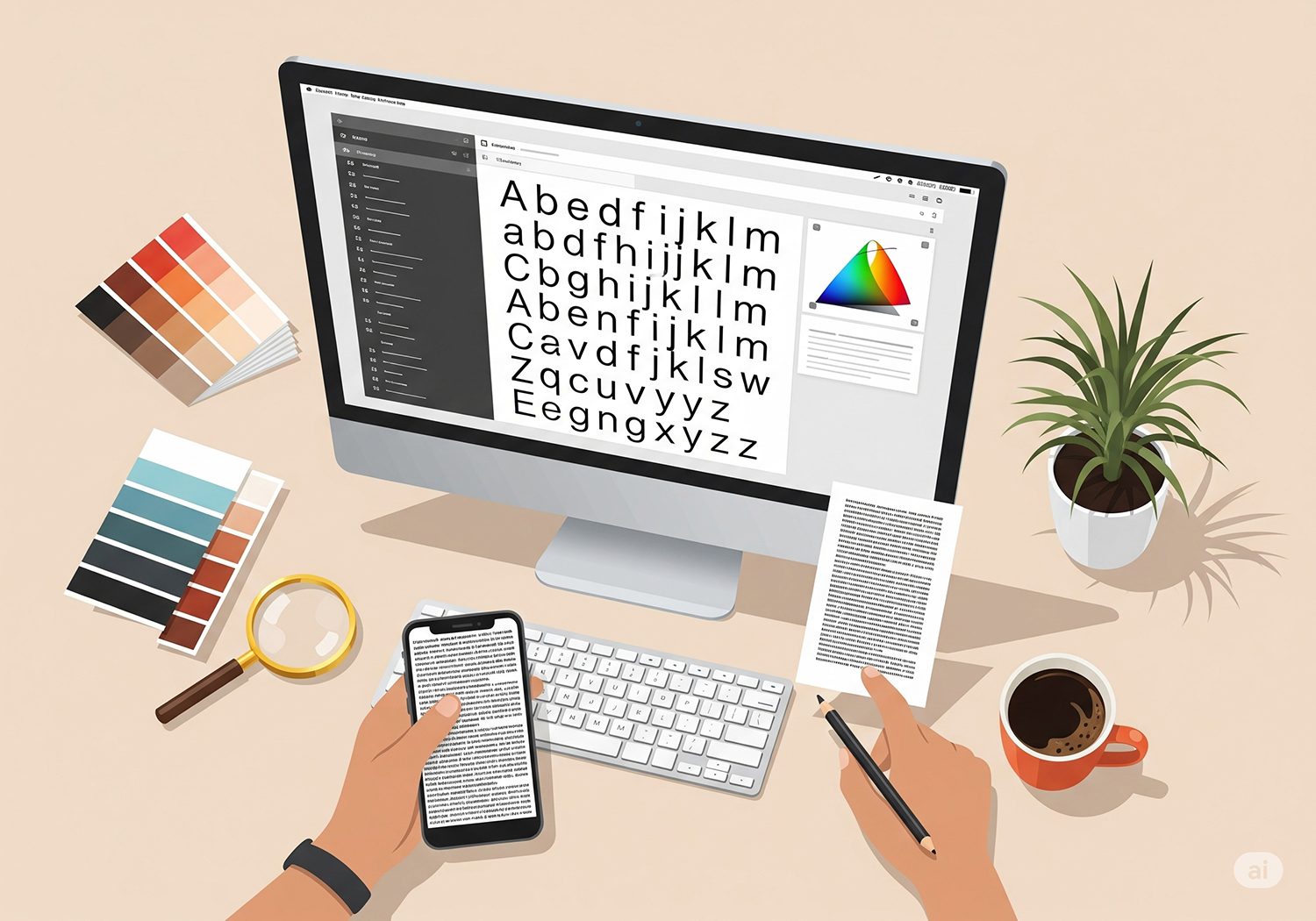
Step 1: Use Online Font Identifier Tools
There are several free tools that make font recognition surprisingly easy:
✅ WhatTheFont (by MyFonts): Upload an image, and it will scan the letters and suggest matching fonts.
✅ FontSquirrel Matcherator: Similar tool, great for more complex fonts or scripts.
✅ Adobe Capture (Mobile App): Snap a photo and instantly get font suggestions on your phone.
Tip: Make sure the text in your image is clear, horizontal, and not too decorative—these tools work best with simple letter shapes.
Step 2: Inspect the Website
If the font you love is on a website, you don’t even need to take a screenshot.
Right-click on the text and select Inspect (works on Chrome, Firefox, etc.).
Look for the CSS style. You’ll usually see something like:
font-family: 'Open Sans', sans-serif;Copy the font name and Google it to see where to download or buy it.
Note: Some websites use custom or self-hosted fonts, so you might see a font file name instead of a branded name—but it’s still a great clue.
Step 3: Train Your Font “Eye”
Over time, you’ll start to recognize fonts just by looking. Pay attention to:
Serif vs sans serif
Letter shapes: especially unique characters like “a”, “g”, or “k”
Weight and spacing: thin, bold, condensed, etc.
Practice makes perfect—and it’s actually a fun game once you get the hang of it!
Step 4: Ask the Community
Still stuck? Ask in online design communities like Reddit’s r/IdentifyThisFont or Facebook groups. Designers love a good challenge and are usually happy to help.
Thanks to modern tools (and a little practice), identifying fonts is easier than ever.
Next time you see a font you love, don’t let the mystery stop you—go find it, learn about it, and maybe even use it in your next project.
✨ Want more tips about fonts and design?
Check out our latest font collections and resources at Factory738 – where typography meets creativity!